Accessibro makes your PowerPoint and Word files accessible.
Upload a deck or document and get a free accessibility scan that shows every issue it finds. Approve one clear price, AI applies the fixes, and you download the finished file. Nothing you upload is kept.
Accessibro is currently in private beta, so scanning needs an invited account. Sign in if you have your invite.
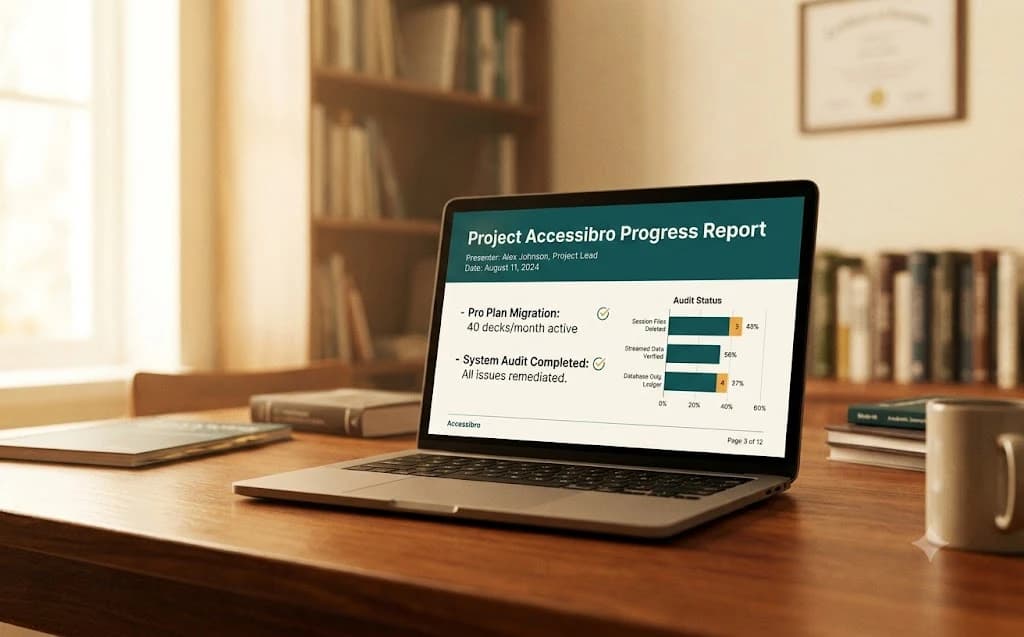
ADA Title II requires public colleges, universities, and government entities (including course documents) to meet WCAG 2.1 AA by April 26, 2027 (entities serving 50,000+ people) or April 26, 2028 (everyone else). Most institutions plan budgets 6 to 12 months ahead, which makes this the planning window.
How it works
Three steps. One clear price. Zero surprises.
Step 1
Scan for free
Drop in your .pptx or .docx. The free scan runs the full WCAG 2.1 AA audit and shows you what it found: issue counts by category, and what needs a human, listed item by item.
Step 2
See the price, then say go
Before anything runs, you see the cost in plain terms. On a monthly plan, the file counts as decks from your allowance (a deck is up to 50 slides or pages). Paying as you go, it comes out of your prepaid credits at 35¢ a slide with a $4.99 minimum. Nothing is charged until you say go.
Step 3
Review & download
AI applies the fixes: alt text, titles, headings, reading order, clearer link text, language. You review everything, tweak what you like, and download your remediated file.
Who it's for
Built for the people who fix the files.

Instructors
Turn last semester's decks into files every student can use, one upload at a time.
Instructional designers
Batch upload a whole course folder and review every fix before it ships.
L&D professionals
Upload the training and reference materials your employees rely on, so everyone can use them.
Consultants & agencies
Fixing files for clients? Ask us about prepaid packs built for client work.
Disability services
Pool decks across five seats and hand every request back with a to-do checklist.
Every plan starts the same way: run a free scan and see what your files actually need.
What we audit
Every check maps to a WCAG 2.1 AA criterion.
No vague “accessibility score.” Each finding cites the exact WCAG success criterion it relates to, so the full report you get after a paid run (and its export) holds up in front of a compliance office.
Seeing the content
Checks that make slides work for screen readers and low-vision users.
- Missing or junk alt text on images & charts WCAG 1.1.1
- Color contrast of text WCAG 1.4.3
- Color used as the only way to convey meaning WCAG 1.4.1
- Minimum readable font sizes WCAG 1.4.4
- Video caption & audio description reminders WCAG 1.2.2
Navigating the deck
Checks that let assistive tech move through slides in a way that makes sense.
- Missing slide titles WCAG 2.4.2
- Duplicate slide titles WCAG 2.4.2
- Logical reading order of shapes WCAG 1.3.2
- Vague link text like “click here” WCAG 2.4.4
- Missing table of contents on long decks WCAG 2.4.x
- Heading structure inside text frames WCAG 1.3.1
Structure & behavior
The under-the-hood issues most people never see, but screen readers do.
- Tables without header rows WCAG 1.3.1
- Tables used for visual layout WCAG 1.3.1
- Document language not set WCAG 3.1.1
- Auto-advancing slides & risky animations WCAG 2.2.2
- Floating / off-canvas elements WCAG 1.3.2
- Empty shapes that add screen-reader noise WCAG 1.3.1
Word documents get the same core checks, plus Word-specific ones: real heading styles instead of bold-text “headings”, real lists, a document title, images of text, and leftover tracked changes.
And if the scan finds only issues we can fix without AI, the whole file runs at no charge.
What happens to your content
Your files pass through. They never stay.
Course files are often sensitive: unpublished research, student data, pre-release material. So we built Accessibro around a simple promise: your file exists only during your session, up to about an hour, and is deleted the moment it ends.
Deleted when your session ends
Your upload and the remediated output are not retained after your session ends. There is no library of your files sitting on our servers.
Never used for AI training
Your content is sent to the AI only to generate your fixes, never to train models.
Your design stays yours
Small, safe contrast fixes are applied automatically and are always one click to undo. Everything else that could change how a slide looks waits for your review; the rest is invisible, under-the-hood remediation.
Content can't be lost
Reading-order fixes are identity-checked against every shape on the slide. If a slide is too tangled to fix safely, we flag it for you instead of guessing.
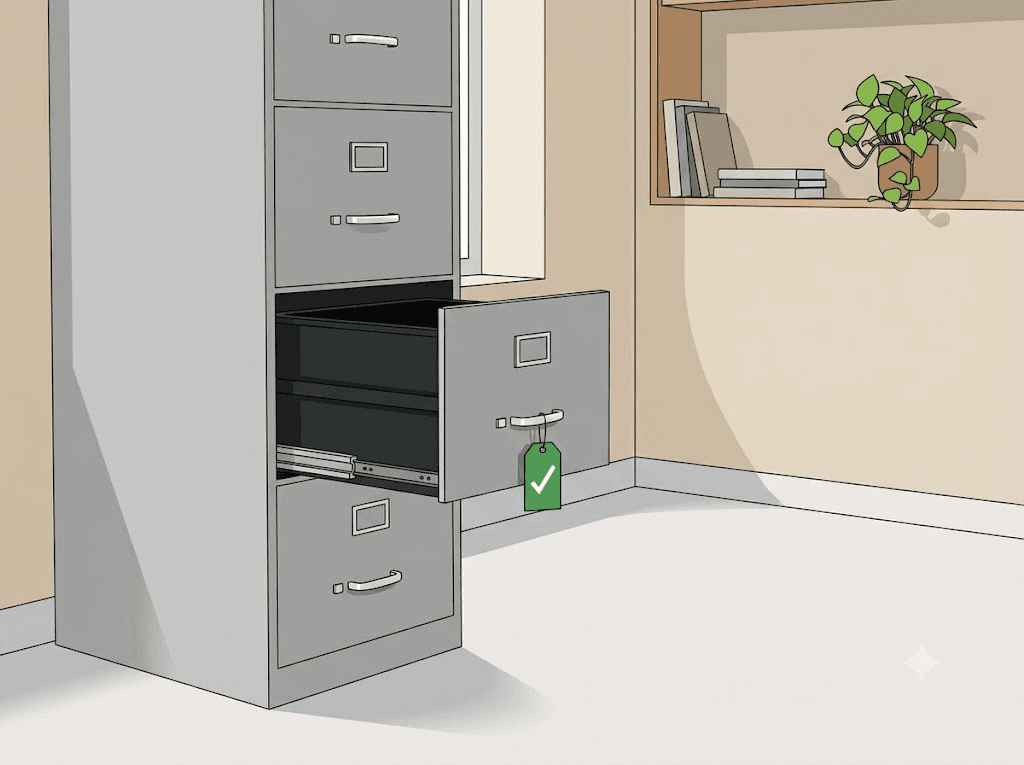
Our promises don't change with your plan.
Free scan, always
Every upload gets the full WCAG 2.1 AA audit at no cost.
You approve every charge
The price is shown before anything runs. Say go, or walk away.
Files never stay
Your upload is deleted when your session ends and never trains AI.
Pricing
Pricing that works the way you do.
A free scan, a plan that fits, and a clear price you approve every time. Pick a monthly plan if accessibility is part of your routine, or pay-as-you-go credits if you just have the one file. Either way, your file is deleted the moment your session ends.
Educator
One instructor keeping their own courses accessible.
$19 / month
or $190 a year (2 months free) (sign in first)- 10 decks a month (up to 50 slides each)
- Unused decks roll over one month
- Batch upload included
- Every fix reviewed by you before download
- Email support
Pro
Instructional designers & consultants who fix decks all week.
$79 / month
or $790 a year (2 months free) (sign in first)- 40 decks a month (up to 50 slides each)
- Unused decks roll over one month
- Batch upload: fix a whole folder at once
- Monthly usage summary
- Priority email support
Department
Disability services & departments with a real backlog.
$3,588 / year
For the whole department: 5 seats, 250 decks a year.
Invoice welcome.
- 250 decks a year, pooled across the team
- 5 seats
- Batch upload included
- Word to-do checklist, included on every plan
- Priority support + onboarding call
What counts as a deck? Up to 50 slides, or 50 estimated pages for a Word document: a 51-100 slide (or page) file counts as two, and so on. Scanning never touches your allowance; only applied AI fixes do. Run out mid-month? Extra work runs at our pay-as-you-go rate (35 cents a slide, $4.99 minimum), and if an upgrade would be cheaper, we'll tell you so before you spend a cent.
Just have one file?
No plan needed. The account and the scan are free; credits only come in when you want AI fixes applied. Then you pay per file: 35¢ a slide or page with a $4.99 minimum (a typical 30-slide lecture runs $10.50). You see the price after the free scan, and nothing runs until you approve it. Credits never expire. Batch upload (up to 25 files at once) is open to every signed-in account, on any plan or pay-as-you-go.
For consultants & agencies
If you remediate documents for clients, ask about our prepaid packs: built for client work, shareable across your team, batch upload included. And if your whole office lives in this work, the Department plan above is usually the better home.
For institutions
The Department plan fits on a purchasing card and pools 250 decks across 5 seats, with the Word to-do checklist your accessibility office actually needs on every deck. Thinking bigger, like SSO, campus-wide rollout, or a formal security review? Our answer to “where does our data go?” is short: your file exists only during your session and is deleted the moment it ends.
Prices in USD. Accessibro is currently in private beta, so scanning needs an invited account.
Questions, answered
The things people ask before they trust us.
Is the scan really free?
Yes. Every upload runs the full WCAG 2.1 AA audit at no cost, every time. All it takes is a free account; no card and no credits needed. The free scan shows you issue counts by category and the items that need a human, listed item by item. You only ever pay when AI fixes are applied, and only after you see the price and say go.
What counts as a deck?
Up to 50 slides, or for a Word document, 50 estimated pages. A 51-100 slide (or page) file counts as two decks, and so on. Scanning never touches your allowance: only applied AI fixes do. Didn't use them all? Unused decks roll over one month, up to a full month's worth, because we know what semesters look like.
Do you support Word documents?
Yes: .docx and .docm files (plus .dotx/.dotm templates) get the same treatment as PowerPoint: free scan, a clear price shown before anything runs, AI fixes, remediated download. Word gets its own checks too: real heading styles, real lists, a document title, images of text, and leftover tracked changes. Macros in .docm files are preserved untouched. Older .doc files need a quick File → Save As → .docx in Word first; we'll remind you if you upload one.
Can I cancel anytime?
Yes. Monthly plans cancel in one click from Stripe's billing portal and stay active until the end of the period. No calls, no forms, no guilt. Pay-as-you-go credits never expire, so there's nothing to cancel.
What if I hit my limit mid-month?
You'll never be surprised: we show your remaining decks before anything runs. Once they're used up, extra work runs at our pay-as-you-go rate (35 cents a slide, $4.99 minimum), charged to your credits. If an upgrade would be cheaper, we'll say so before you spend a cent.
What happens to my file after I download it?
Your file exists only during your session, up to about an hour, and is deleted the moment it ends. We never keep it, and it is never used to train AI models. The only copy that exists afterward is the one you downloaded. What we do save to your account is a remediation record: the file's name and the counts of what was found and fixed, so your accessibility office has an audit trail. By default that record holds no content; if you turn on detailed records, it also keeps the before and after of each fix. Either way, you can delete it anytime.
Will Accessibro change how my files look?
Rarely, and never without you knowing. Fixes like alt text, reading order, and language settings are invisible. Small, safe color-contrast fixes are applied automatically and are always one click to undo, with the before and after shown in your report. Anything bigger, like a larger contrast shift, waits for your review. If a slide has no room for a visible title, we add a hidden one that only screen readers see.
What if something goes wrong mid-job?
You get an automatic refund: full refund if the pipeline fails, proportional refund for any approved fix that wasn't delivered. We never charge for work that didn't ship.
Does this make my institution ADA compliant?
Accessibro remediates documents toward WCAG 2.1 AA, the standard referenced by the ADA Title II rule, with deadlines of April 26, 2027 for entities serving 50,000+ people and April 26, 2028 for smaller ones. It's a powerful part of your compliance effort, but no software alone can guarantee legal compliance. Loop in your accessibility or legal team.
Your next deck or doc can be accessible by lunch.
Free scan, a clear price, AI fixes you review, and a file we never keep. That's the whole deal.
Scan my file, it's free